Shipped: camera scanning in browser for faster receiving
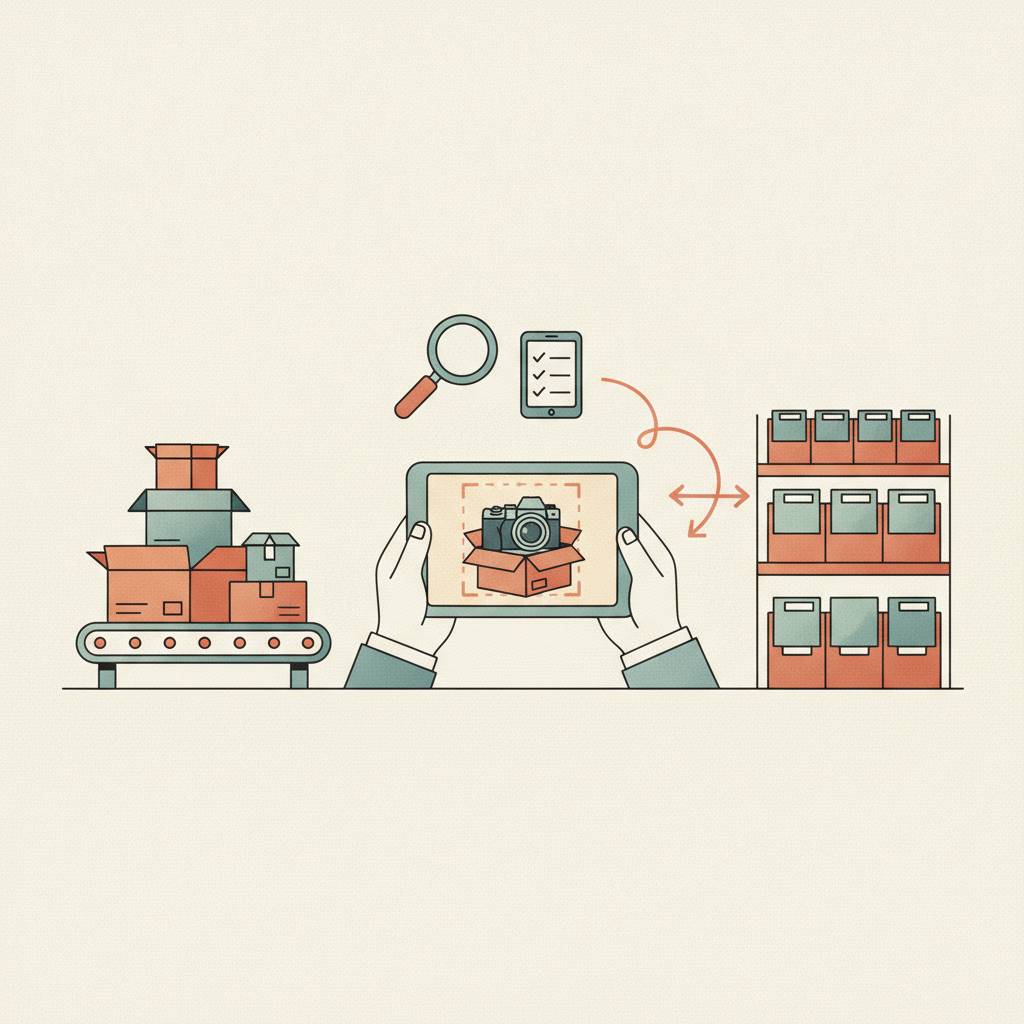
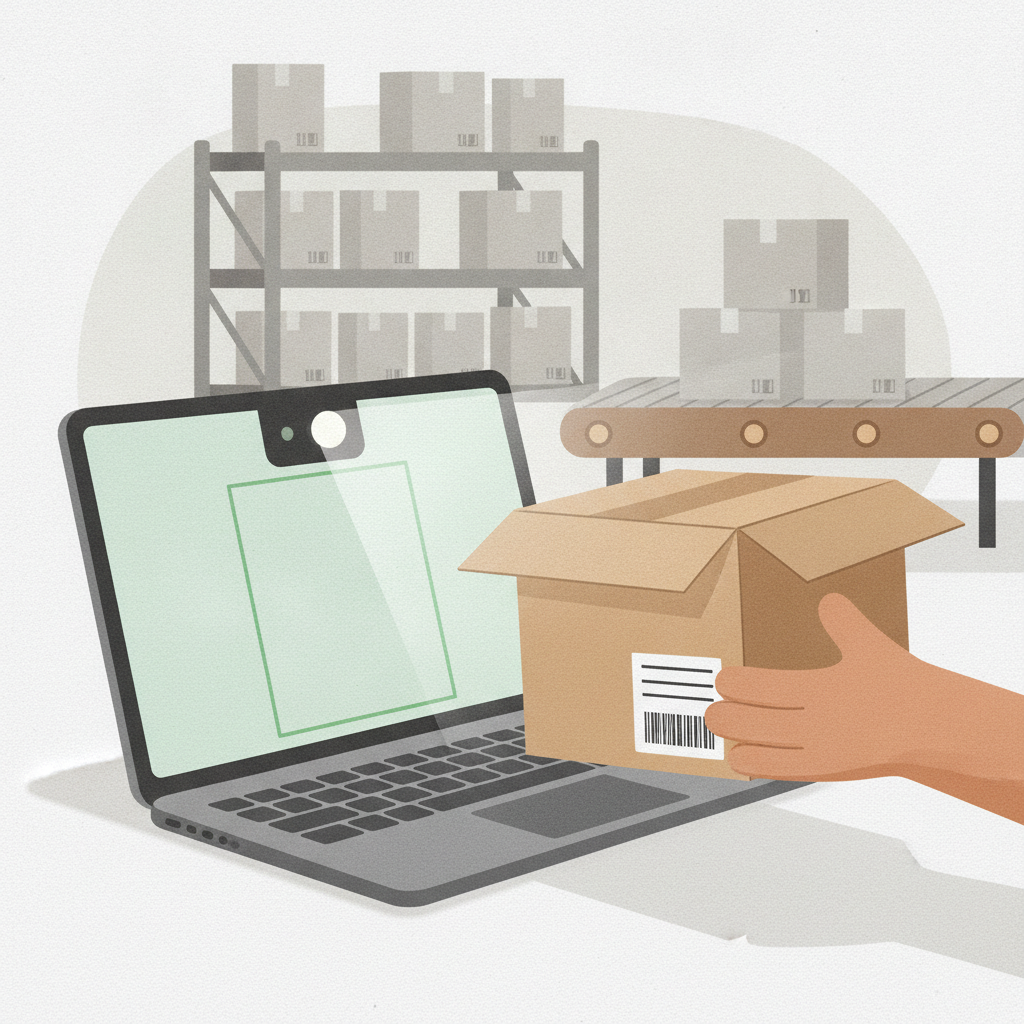
Camera scanning in browser is a receiving feature at areturnz that lets operators scan return labels and item barcodes using a laptop or tablet's built-in camera, with no dedicated scanner hardware or app install required. It runs directly inside the browser-based receiving console, so a new station can go live in minutes instead of waiting on procurement for handheld scanners.
This shipped as part of the ongoing work on the receiving line, the same stretch of the stack that produced scan-to-search and back-to-back receiving. The goal across all of it is the same: shrink the gap between a parcel landing on the belt and a disposition decision existing for it.
Why receiving hardware was a bottleneck
Dedicated barcode scanners are not expensive individually, but they are a supply chain problem at scale. Every new receiving station at NJ-01 (our East Hanover, New Jersey facility) used to mean ordering a scanner, pairing it, testing the firmware, and keeping a spare on hand for when one inevitably gets dropped. During peak weeks, when temporary stations get added fast, that lead time matters.
There is also a staffing angle. Seasonal and cross-trained operators need to learn one more piece of hardware before they can touch a parcel. Camera scanning removes that step entirely: if someone can open a browser tab, they can start receiving.
What changed in the receiving flow
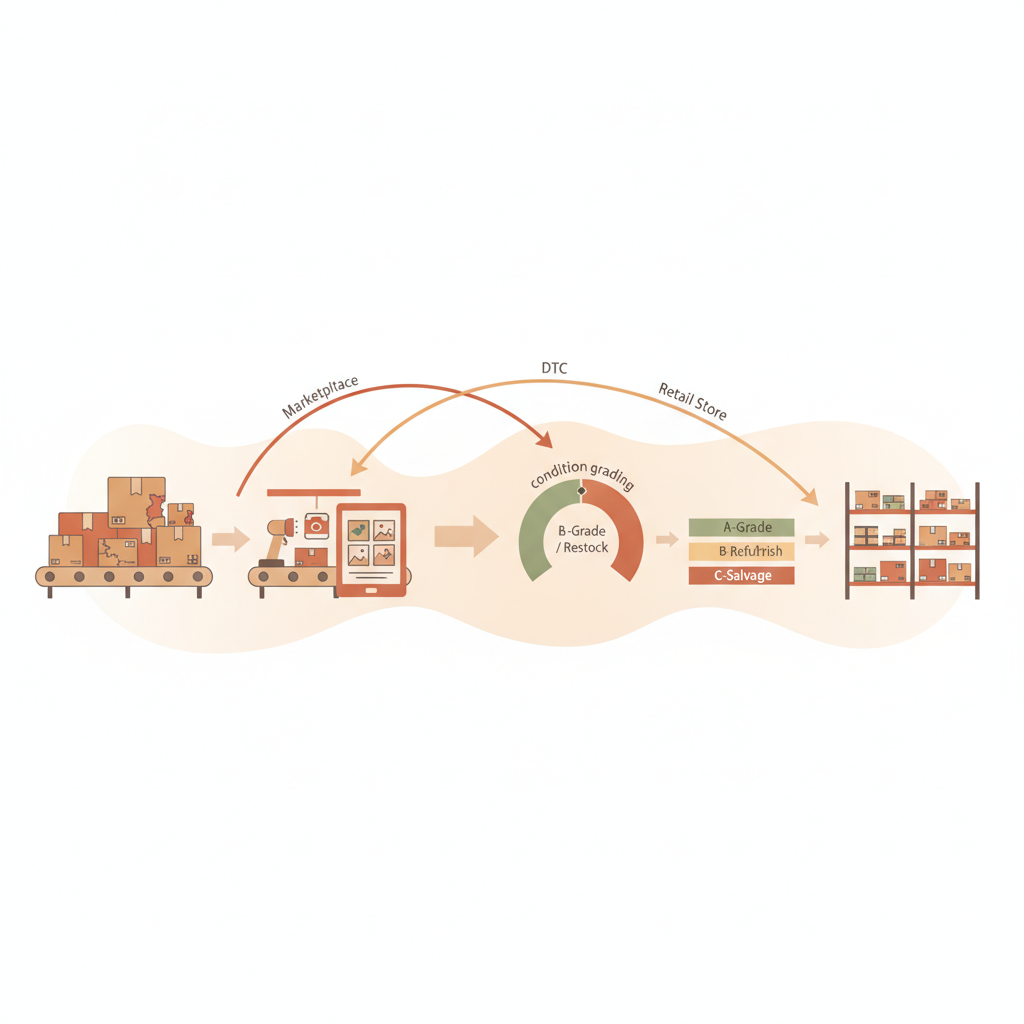
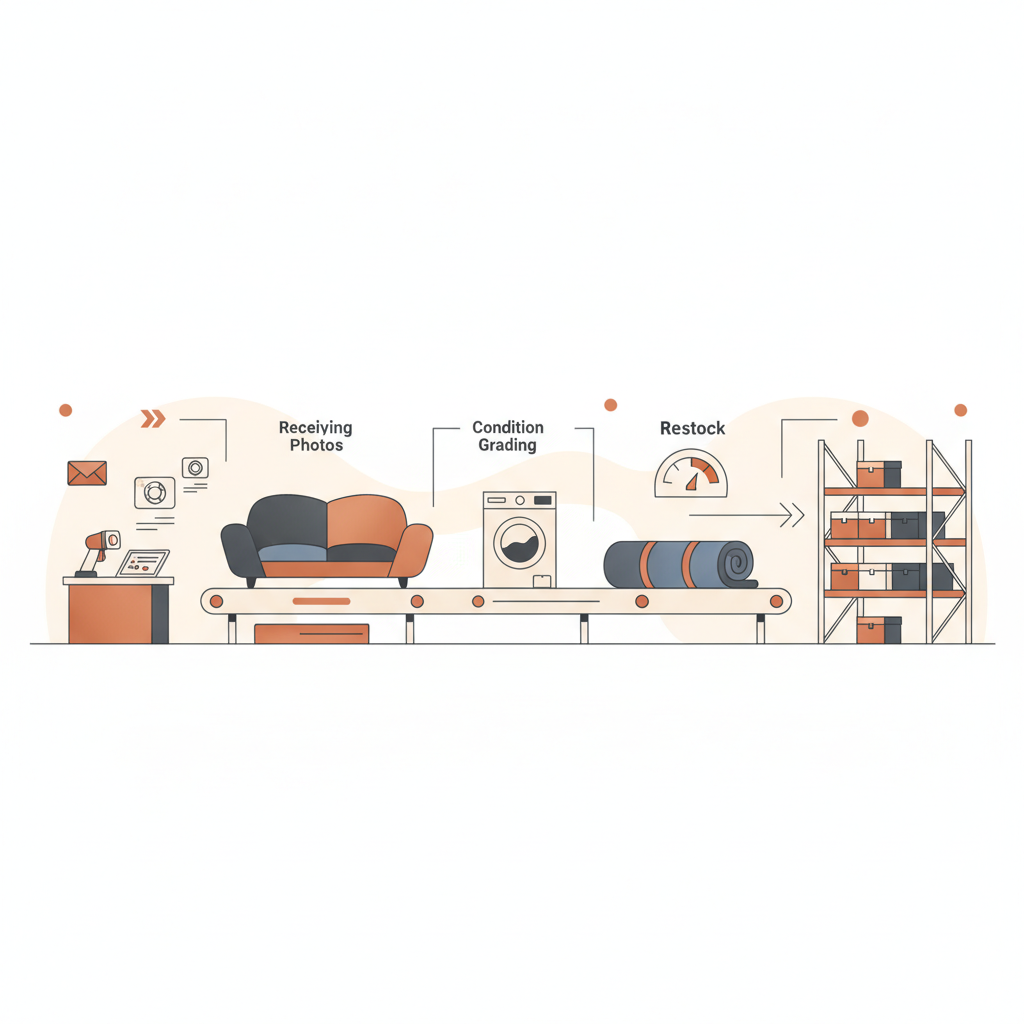
The receiving console now requests camera access the same way a video call would. An operator points the laptop or tablet camera at the shipping label, the system reads the barcode, pulls the order record, and opens the scan-to-search view already populated. From there the normal sequence continues: photograph the outer label, open the parcel, photograph the item and any defect, and let AI grading assign an A/B/C/R condition with a confidence score.
Because the scan now happens in the same browser session as the photo capture, there is one less handoff point where a mismatched barcode or a missed photo could break the evidence chain for a parcel. The median cycle from inbound scan to disposition is still tracked at about 48 hours across the network, and this change was built specifically to protect that number as receiving volume grows.
Hardware required before and after
| Station requirement | Before camera scanning | After camera scanning |
|---|---|---|
| Barcode scanner | Dedicated handheld unit, paired per station | Not required |
| Setup time for a new station | Procurement plus pairing and testing | Open a browser tab |
| Operator training | Scanner-specific handling | Same as any camera-based photo capture |
| Spare equipment on hand | Backup scanners at each line | Backup laptops or tablets, already standard |
| Peak station scaling | Limited by scanner inventory | Limited mainly by floor space and staffing |
What this means for evidence and accuracy
Every return still gets the same evidence bundle: outer label photo, opened parcel photo, item photo, and defect photo where relevant, all tied to the barcode captured at the start of the scan. Camera scanning does not change what gets recorded, it changes how fast and how cheaply a station can start recording it. AI-vs-operator match accuracy across the network remains at about 99.6%, and this release was tested against that baseline before rolling out past pilot stations.
Partners running white-label nodes benefit in a direct way: a tenant that needs to spin up a temporary receiving station during a seasonal surge no longer needs to ship scanner hardware to that location first. For more on how nodes handle volume swings, the partner use cases page covers the broader picture, and the full evidence format is visible in the evidence sample.
Rollout notes
The feature is live across receiving stations at NJ-01 and is being extended to partner-managed nodes as part of the standard onboarding kit. Operators who prefer dedicated scanners can still use them: camera scanning is additive, not a replacement for existing hardware that is already working well.
This release sits in the same product line as earlier receiving work, including the original scan-to-search rework. For the full history of what has shipped on the receiving line and elsewhere, the product updates hub tracks every release in order.
Frequently asked questions
Does camera scanning work on any laptop or tablet?
It works on any device with a browser that supports camera access, which covers most modern laptops, tablets, and phones used on the receiving floor. No special drivers or app installs are needed.
Is scan accuracy different from a dedicated barcode scanner?
In testing across pilot stations, camera scanning matched dedicated scanner accuracy closely enough to roll out network-wide. The AI-vs-operator match accuracy figure of about 99.6% reflects the receiving and grading pipeline as a whole, not the scan step alone, and that number held steady through the rollout.
Does this change what evidence gets captured per parcel?
No. The evidence bundle, which is the outer label photo, opened parcel photo, item photo, and defect photo when applicable, stays the same. Camera scanning only changes how the barcode gets read at the start of that sequence.
Can partners use this on white-label nodes?
Yes. It is part of the standard receiving console that partner nodes run, so new or temporary stations can go live without waiting on scanner hardware to ship.
Will dedicated scanners still be supported?
Yes. Camera scanning is an additional input method, not a replacement. Stations that already use handheld scanners can keep using them.
Want to see how receiving, grading, and evidence work together end to end? Contact areturnz to talk through your receiving setup.
Related reading: Shipped: Customer Dashboard for Returns Visibility
Related reading: Shipped: CSV export for package lookup