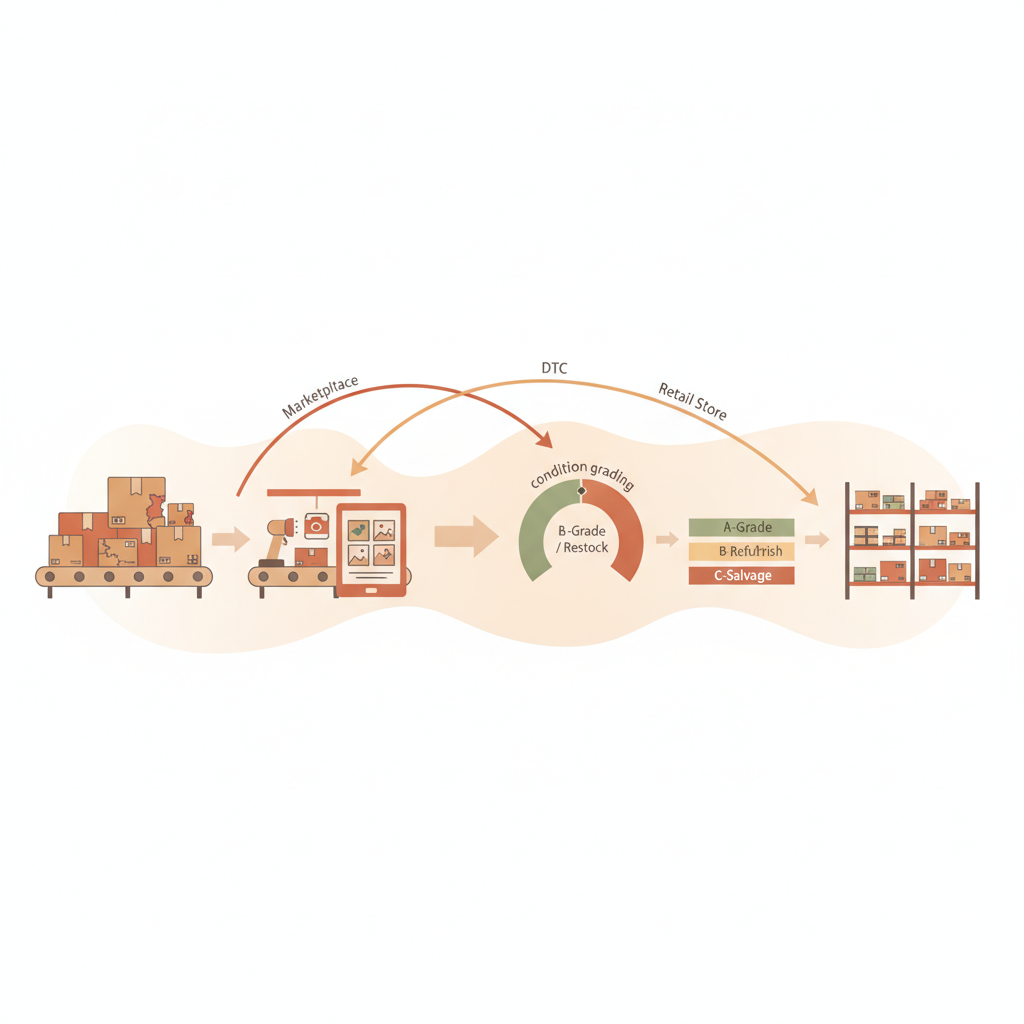
Shipped: CSV export for package lookup

CSV export for package lookup is a shipped feature at areturnz that lets anyone searching the returns network pull their lookup results into a spreadsheet file with one click, carrying grade, disposition, timestamps, and evidence links for every matched parcel. It builds directly on package lookup across the network, turning what used to be a screen you had to read into a file you can actually work with.
This one is small on the surface but it solves a real problem. Ops managers, partner finance teams, and brand contacts kept asking for the same thing: a way to get lookup results out of the dashboard and into whatever tool they already use for reconciliation. Screenshots do not cut it when you are reconciling 400 tracking numbers against a chargeback file. Now they do not have to.
What shipped
Any package lookup query, whether it is a single tracking number or a batch pull across a date range, now has an export option that generates a CSV file matching the on-screen results. The export respects whatever filters were applied to the search, so a lookup scoped to one tenant, one grade, or one disposition type exports exactly that subset, nothing more.
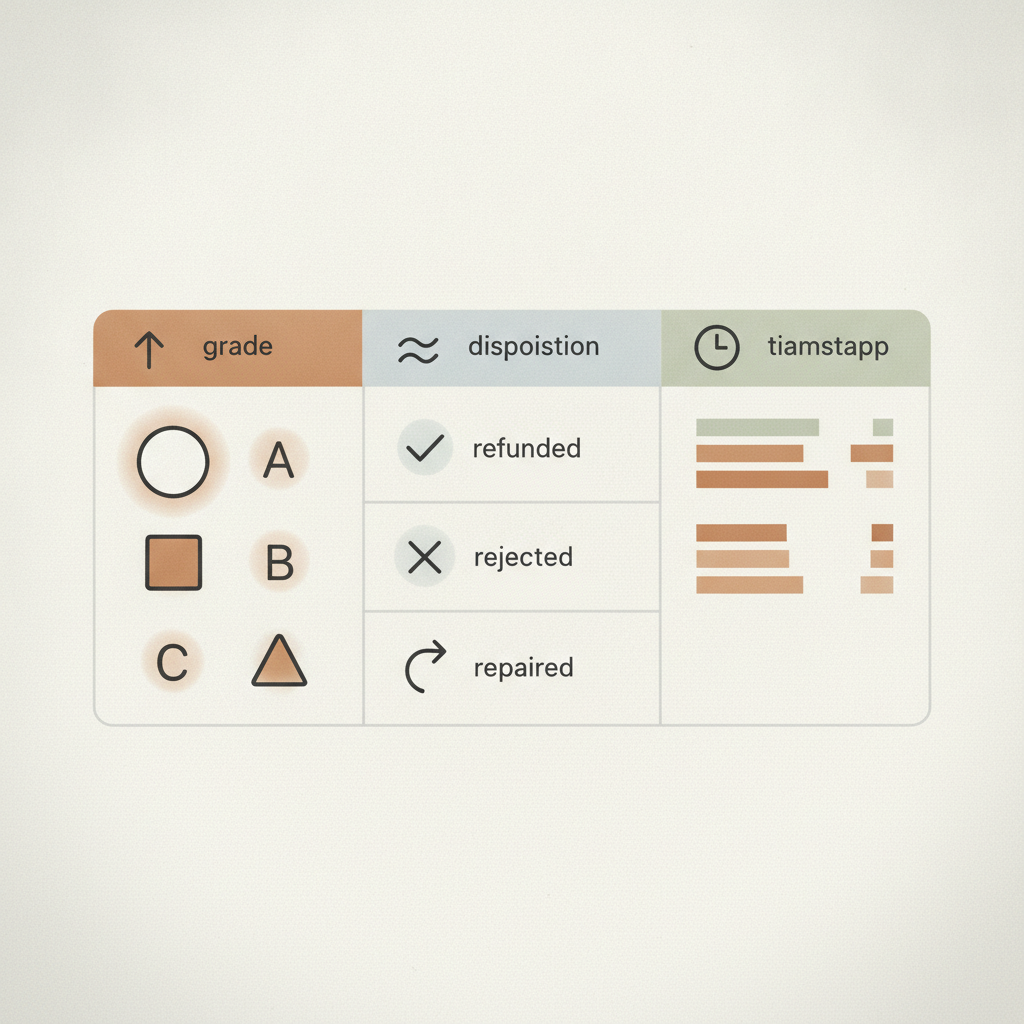
Each row in the export includes the fields most teams ask for first:
- Tracking number and inbound scan timestamp
- AI grade (A, B, C, or R) and the confidence score behind it
- Disposition outcome (restock, liquidate, donate, destroy) and whether an operator override was logged
- Facility of receipt, including NJ-01 in East Hanover, New Jersey, for network-wide lookups
- A direct link to the evidence bundle for that parcel
Exports are generated on demand, not batched overnight, so a lookup run at 9am reflects the same data an ops team would see live in the dashboard. Given that the median cycle from inbound scan to disposition sits around 48 hours, most parcels searched on any given day already have a final grade and disposition attached, which means the export is rarely a half-finished record.
Why this matters for partner reporting
Partners running returns under their own brand have always been able to see individual parcel status in the dashboard. What they lacked was an easy way to roll that up for monthly reconciliation, SLA audits, or finance reviews that happen in a spreadsheet by default, not a web app. CSV export closes that gap without requiring anyone to touch the API.
For teams that do want programmatic access, the same data is already available through the signed-JSON API with webhooks, and CSV export is meant to sit alongside that, not replace it. Think of CSV as the fast path for a person doing a one-off reconciliation, and the API as the path for a system that needs the same data every day.
| Use case | Best fit | Why |
|---|---|---|
| Monthly partner reconciliation | CSV export | Opens directly in spreadsheet tools finance teams already use |
| Automated reporting pipeline | Signed-JSON API | Structured, webhook-driven, no manual download step |
| One-off dispute lookup | Dashboard search | Fastest way to confirm a single parcel's grade and disposition |
| Audit of a date range or tenant | CSV export | Filtered export keeps the file scoped to exactly what is being reviewed |
None of this changes the underlying grading or disposition logic. AI-vs-operator match accuracy stays at roughly 99.6%, and every row in the export still traces back to a parcel that was photographed at receiving (outer label, opened parcel, item, defect) and routed by the same disposition rules covered in disposition rules: turning grades into decisions. CSV export just makes that record easier to pull, not different in substance.
How to use it
From the package lookup screen, run a search as usual (single tracking number, batch list, or filtered query), then select export. The file downloads immediately and includes a header row matching the dashboard columns, so there is no remapping needed on the other end. Exports are available to any dashboard user with lookup permissions, including partner-side accounts scoped to their own tenant data under the existing multi-tenant isolation model.
If you are a partner evaluating whether this kind of reporting depth fits your reconciliation process, the evidence sample page shows what the underlying parcel record looks like before it ever reaches a spreadsheet.
What is next
This ships alongside a run of other changelog updates this quarter, including granular API keys for partner integrations and real-time ops notifications on the receiving line. Together they are part of the same push: make the data areturnz already captures on every parcel easier to get to, in whatever format the team on the other end actually uses. For the full run of what has shipped and why, see the product updates hub.
Frequently asked questions
Does CSV export change how grading or disposition works?
No. It exports the same grade, confidence score, and disposition data that already exists for each parcel. Nothing about the AI grading or the 48 hour median cycle changes.
Can partners export only their own tenant's data?
Yes. Exports respect the same multi-tenant scoping as the dashboard, so a partner account only ever exports parcels tied to its own tenant.
Is there a limit on how many records can be exported at once?
Exports follow the same filters as the lookup search, so the size of the file depends on the date range or query scope you apply. Very large batch pulls are better handled through the signed-JSON API.
Does the export include links to photo evidence?
Yes, each row includes a direct link to that parcel's evidence bundle, the same bundle available in the dashboard and via the API.
How is this different from the API?
CSV export is built for a person doing a manual pull into a spreadsheet. The signed-JSON API with webhooks is built for systems that need the same data automatically, on a schedule or on event triggers.
Want to see CSV export and the rest of the package lookup tools in your own dashboard? Contact areturnz to set up a walkthrough.
Related reading: Shipped: Split AI Capabilities Into Independent Grading Modules
Related reading: Shipped: encrypted session storage for returns data security
Prova em cada devolução
Fotos, uma avaliação de condição por IA e uma cadeia de custódia completa, anexadas a cada encomenda e disponíveis via API.