Shipped: Customer Dashboard for Returns Visibility
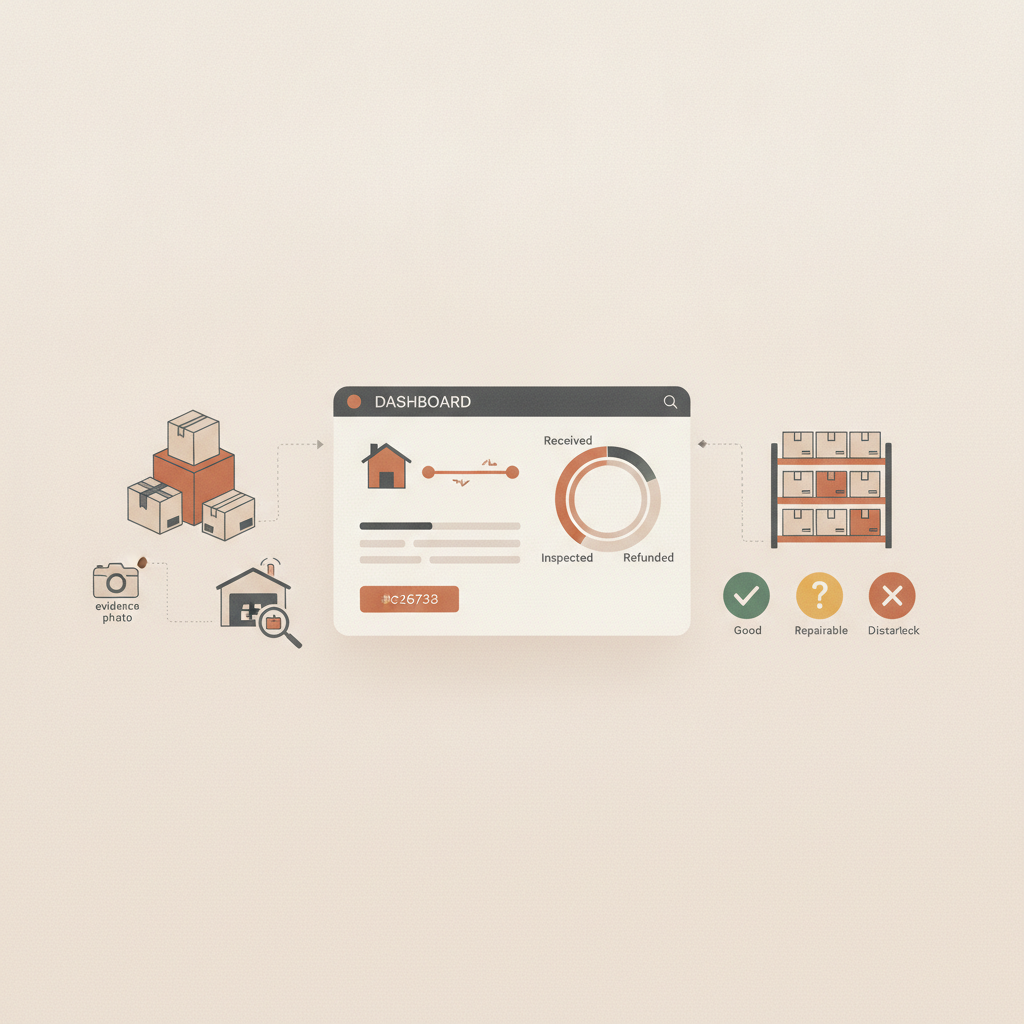
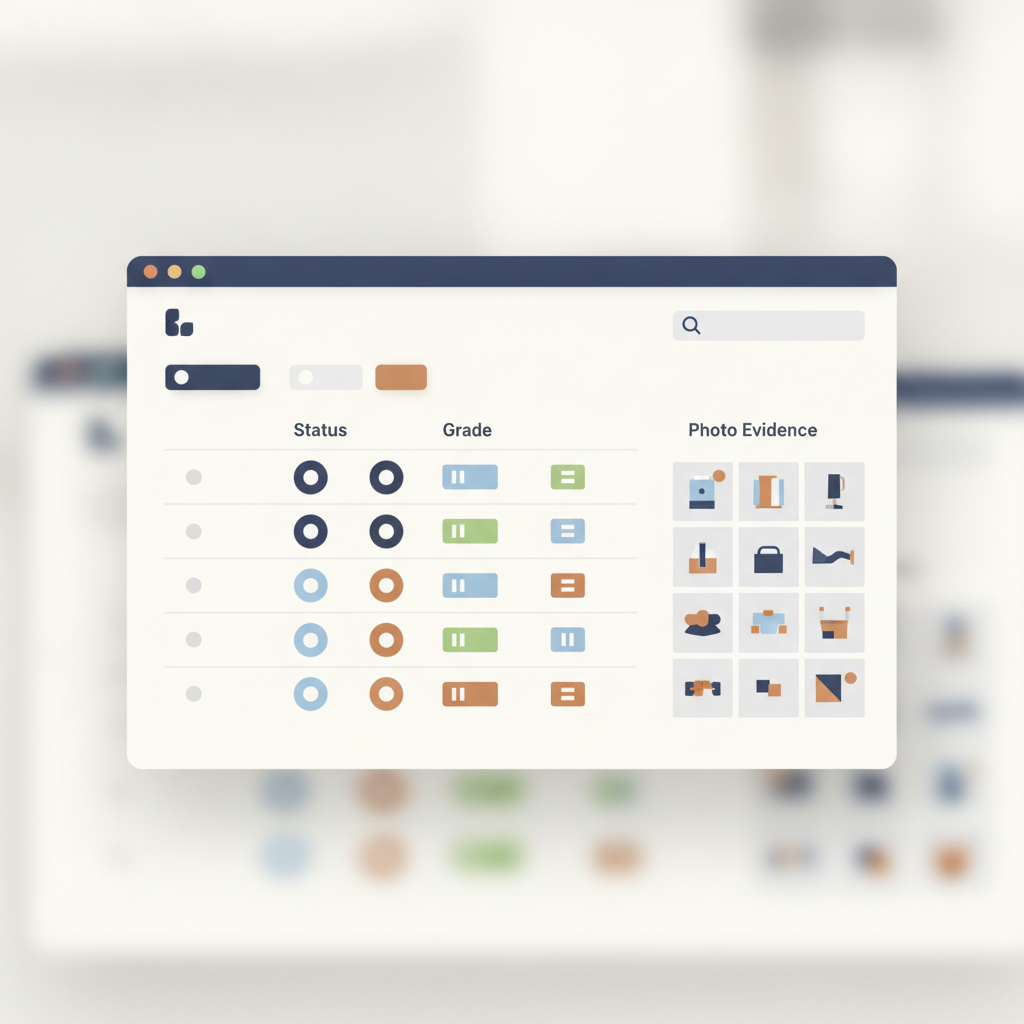
The customer dashboard is a web interface in areturnz that shows a retailer, brand, or marketplace partner the live status of every return it has sent to the network, including the A/B/C/R grade, the disposition decision, and the photo evidence bundle, without needing to open a support ticket. It is the newest shipped feature on the areturnz product updates hub, and it answers a question we kept hearing from operations teams: where is my return right now, and what proof do I have to show for it?
Why we built a dedicated customer view
Before this release, most of the visibility work happened through email threads, CSV exports, or a shared inbox that someone on the ops team checked twice a day. That model holds up fine at low volume. It falls apart once a brand is routing thousands of returns a month through a node and needs to reconcile what came in against what got restocked, liquidated, donated, or destroyed.
areturnz already processes 180,000+ returns through facility NJ-01 in East Hanover, New Jersey, with a median cycle of about 48 hours from inbound scan to disposition. That speed only matters to a customer if they can actually see it happening. The dashboard exposes the same timestamps and grading outputs that operators use internally, scoped to each tenant's own data.
What the dashboard actually shows
Status and timeline, per parcel
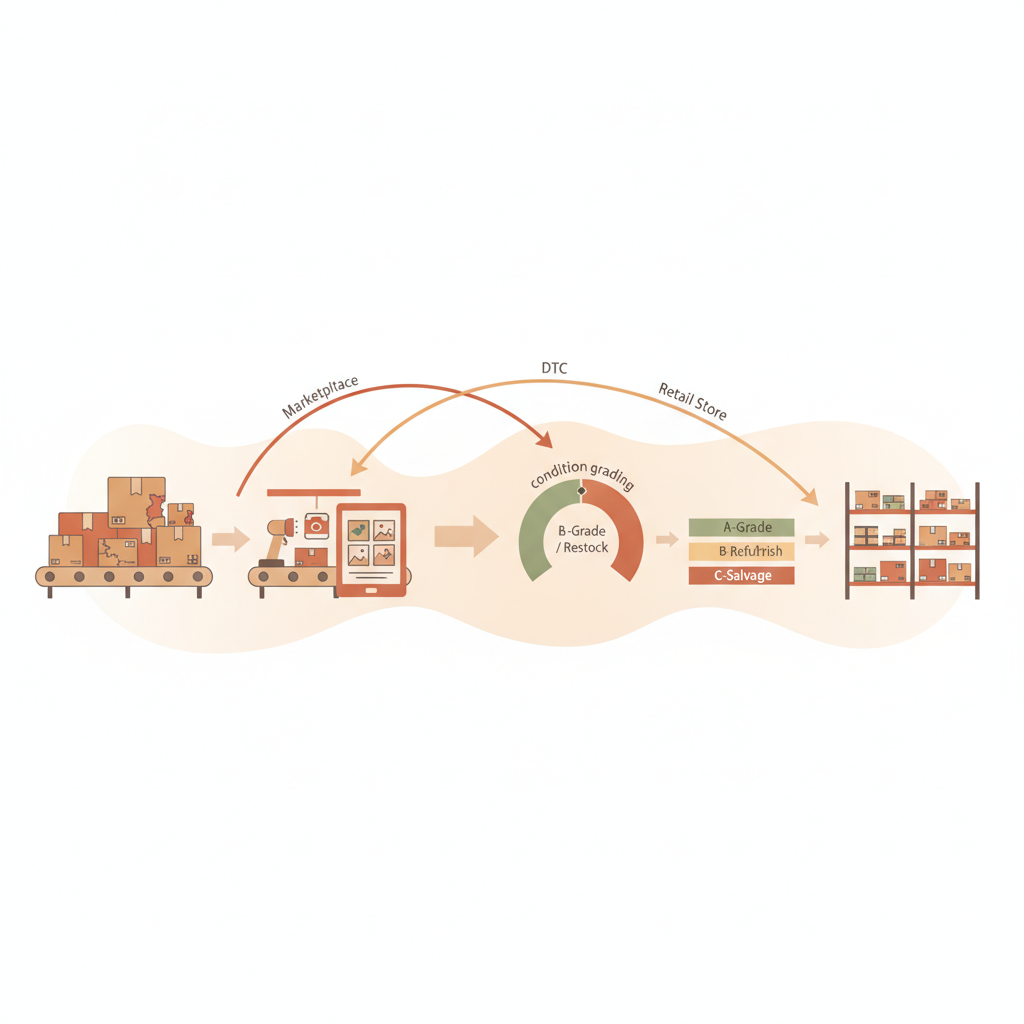
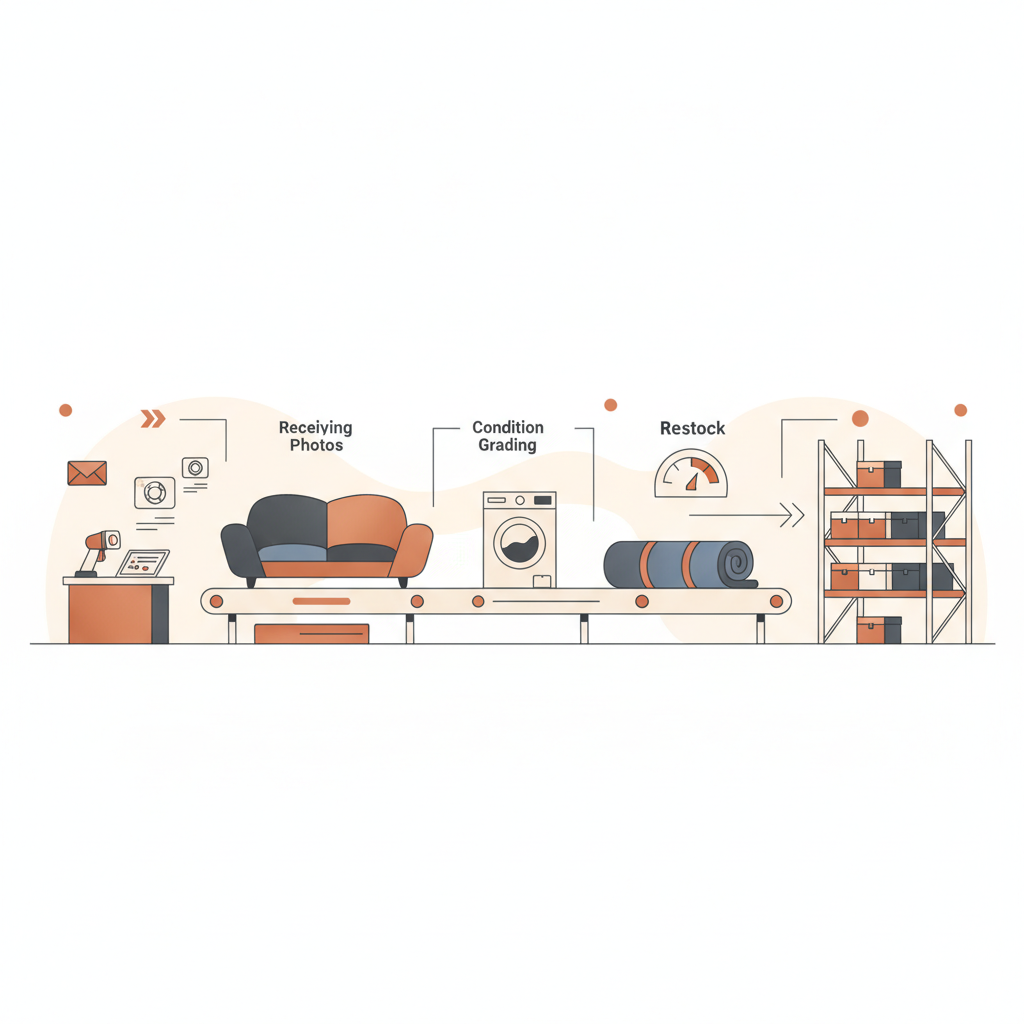
Every return gets a timeline view: label scanned, parcel opened, item photographed, AI grade assigned, disposition applied. A customer can filter by date range, SKU, grade, or disposition outcome, and see where a batch of returns sits in the 48 hour cycle without pinging a node operator.
Grades and confidence, not just a pass/fail
Each line item shows its A/B/C/R grade alongside the AI confidence score that produced it. Because AI-vs-operator match accuracy runs at about 99.6% across the network, most customers treat the grade as final. For the small percentage of cases where confidence is lower or an operator overrode the model, that override is logged and visible in the dashboard rather than buried in a backend note.
Evidence, on demand
The photo set for each parcel, outer label, opened box, item, defect close-up, is attached directly to the record. A customer disputing a marketplace claim or auditing a liquidation batch can pull the evidence bundle straight from the dashboard instead of emailing a request and waiting. You can see a live example of what this evidence set looks like on the evidence sample page.
Dashboard vs the API, side by side
The dashboard is not a replacement for the signed-JSON API and webhooks areturnz already offers; it is the human-readable front end for the same data. Some teams want both: engineers consume the API for automated reconciliation, while ops and customer service staff use the dashboard to answer questions without writing a query.
| Need | Customer dashboard | API and webhooks |
|---|---|---|
| Daily status checks | Built for this, no setup required | Possible, but needs a client |
| Automated reconciliation into an ERP or WMS | Not the right tool | Built for this, with webhook push |
| Pulling evidence for a single dispute | Fast, click into the parcel record | Works, but usually overkill for one case |
| Bulk export for finance reporting | CSV export available | Preferred for large or scheduled pulls |
| Access control for sub-accounts | Role-based views in the UI | Granular API keys scope what each integration can see |
How this fits partner and multi-tenant setups
For partners reselling areturnz under their own brand, the dashboard respects tenant isolation: a brand only ever sees its own returns, never another tenant's volume or SKUs. This is the same principle behind per-tenant reporting, just extended to a direct customer-facing view instead of a partner-facing report. Partners evaluating whether to offer this level of visibility to their own brand customers can review how node operators structure access in the partner use cases page.
What this does not change
The dashboard does not change disposition rules, grading logic, or pricing. It is a visibility layer on top of the existing 48 hour cycle, the A/B/C/R grading system, and the evidence bundle that already ships with every return. areturnz is still an owned-and-operated returns network, not a returns-portal tool or a label generator with a reporting bolt-on. Current pricing details for the full processing service, dashboard included, are on the pricing page.
Frequently asked questions
Does the customer dashboard replace the API?
No. The dashboard is a UI for the same underlying data the API exposes. Teams that need automated reconciliation or scheduled exports typically still use the API and webhooks; the dashboard is built for people who need a quick answer without writing code.
Can my customer service team see evidence photos without contacting ops?
Yes. Each parcel record in the dashboard includes its full photo set: outer label, opened parcel, item, and any defect close-ups, so a support agent can pull proof for a dispute directly.
Does the dashboard show AI confidence scores or just the final grade?
Both. Each line item displays the A/B/C/R grade and the confidence score behind it, along with a flag if an operator overrode the AI call.
Is the dashboard available to all tenants or only direct brand customers?
It is available across the network, scoped by role. Partners reselling areturnz under white-label arrangements can give their own brand customers dashboard access without exposing other tenants' data.
Where does this fit with other recent product updates?
It pairs with granular API keys and real-time ops notifications shipped earlier this cycle. Together they cover the three ways teams want returns data: through a UI, through an API, and through push alerts. See the full history on the product updates hub.
Want to see the customer dashboard on your own returns data? Contact areturnz to set up access.
Related reading: Shipped: CSV export for package lookup
Related reading: Shipped: Split AI Capabilities Into Independent Grading Modules
Prova em cada devolução
Fotos, uma avaliação de condição por IA e uma cadeia de custódia completa, anexadas a cada encomenda e disponíveis via API.